Auto-Label / Annotate PDFs for AI Training
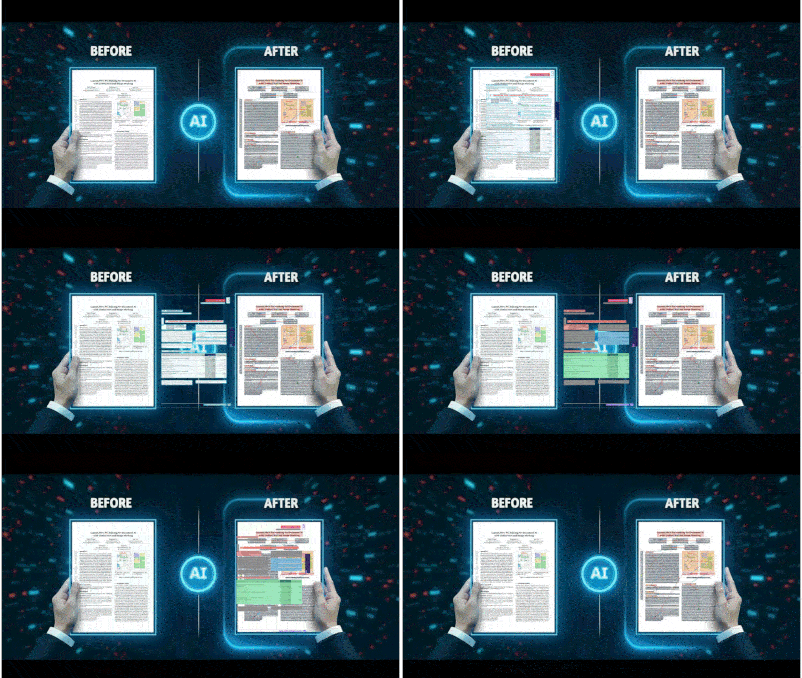
Minutes, not weeks
Auto-Annotate your PDF for Free
 2:17
2:17
Learn Automatic Data Annotation in 2 minutes
Watch tutorial
Three Simple Steps to Label your PDF for AI Training
- Upload your PDF document
- AI auto-labels all sections
- Export as JSON or Markdown
Start labeling immediately
Just upload your PDF, Auto Annotated and Download
OR
Choose a domain model—legal, medical, financial, or general—with labels already configured
ℹ️
Legal Labeling
Structure contracts, agreements, and legal documents for ML training - Coming Soon
ℹ️
General Labeling
Start here—works with everything
ℹ️
ID Labeling
Extract names, dates, and document numbers from IDs and passports - Coming Soon
ℹ️
Performance
Optimize your systems for speed
ℹ️
Security
Protect your data and applications
From Raw PDF to Labeled AI Training Data in Seconds
Preparing PDF documents for AI training has traditionally consumed 60–80% of total machine
learning project time through manual annotation. AI Asset's free PDF data labeling tool
eliminates that bottleneck entirely.
Upload any document and the AI automatically segments
and labels every section in seconds, exporting structured JSON or Markdown ready for
PyTorch, TensorFlow, or Hugging Face pipelines without any custom preprocessing.
Built for Legal, Financial, Insurance & Accounting Documents
The tool is purpose-built for legal firms, financial services teams, insurance companies, and
accounting and audit professionals who work with high volumes of complex documents daily.
Legal contracts, financial statements, insurance claims, loan applications, tax forms, and audit
reports are all automatically structured into ML-ready labeled datasets, without writing a single
line of annotation code.
Free, Accurate & Ready in Seconds, No Setup Required
Unlike traditional annotation platforms that require weeks of setup and expensive
labeling teams, AI Asset delivers
90%+ labeling accuracy
out of the box, completely free.
No account needed. Upload your first document, review the auto-generated labels in the visual editor, and
export a production-ready dataset immediately. Your team spends time on model performance,
not data preparation.